

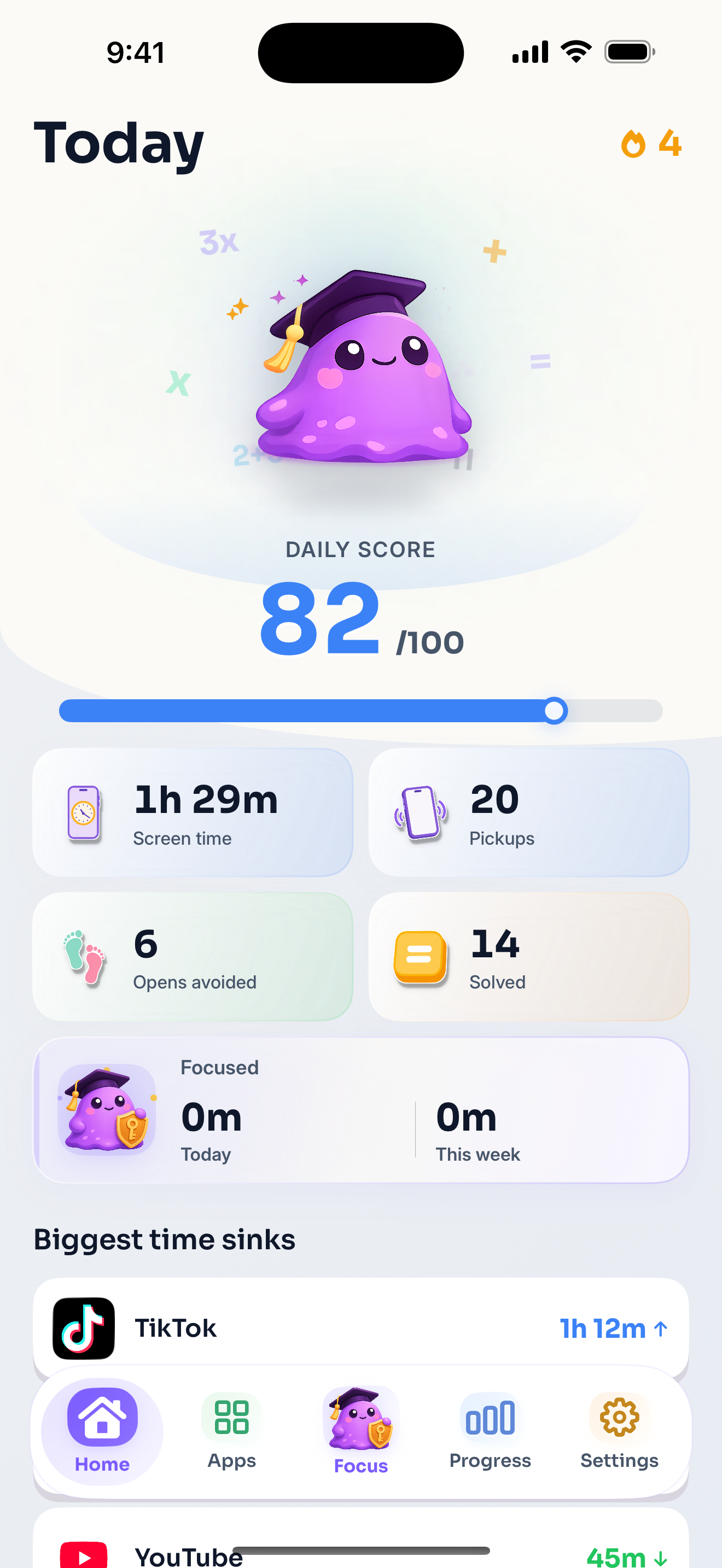

Daily score
See time not wasted
Doomscroll time, opens avoided, solved prompts, and walkaways stay visible in one calm dashboard.
 Blob
Blob
For iPhone & Android
Your distracting apps now come with a math problem. Solve it, or keep your time.

 TikTok
At a glance
Blob is a screen time and app blocker for iPhone and Android built to interrupt automatic doomscrolling. Choose distracting apps, solve a hard math prompt when you genuinely want to open one, or walk away and keep your time.
Daily score
Doomscroll time, opens avoided, solved prompts, and walkaways stay visible in one calm dashboard.
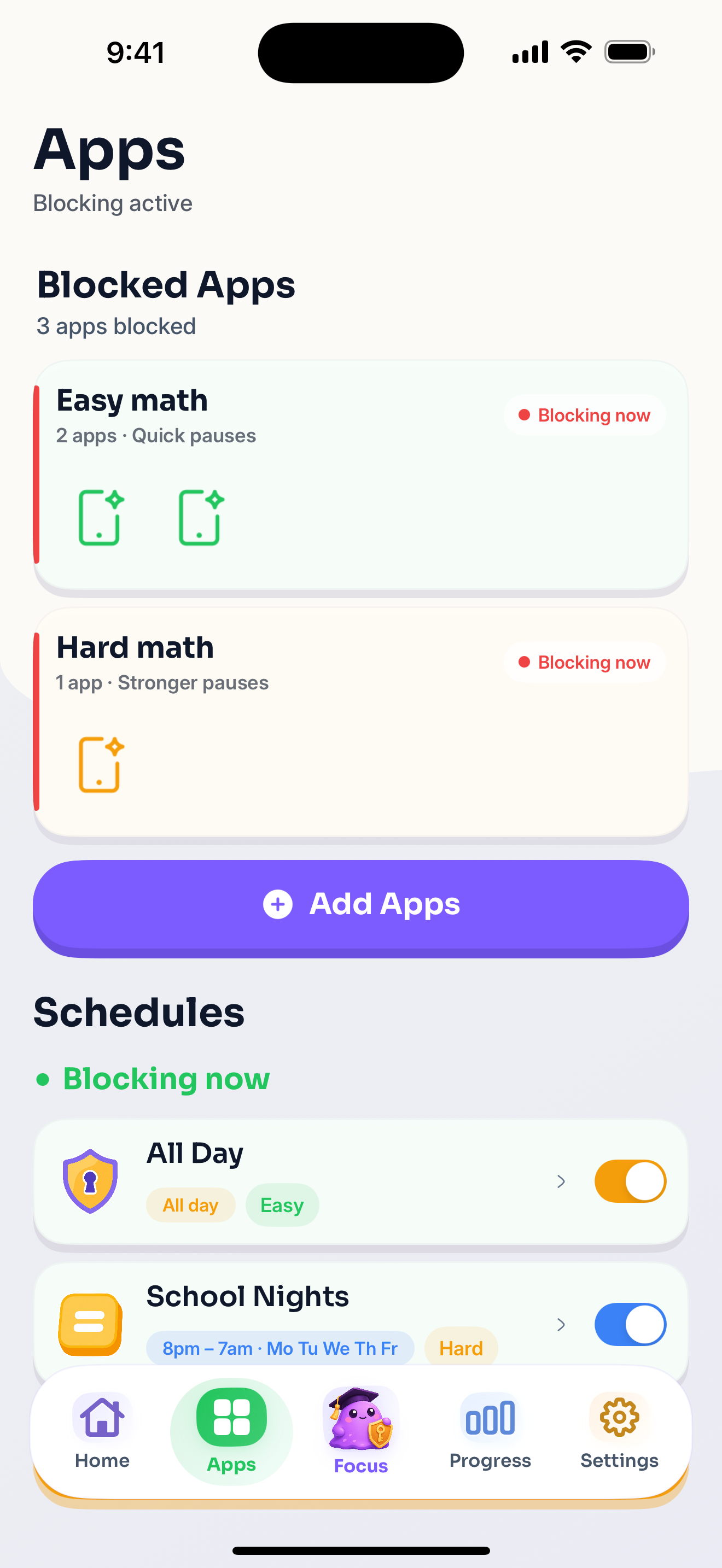
App rules
Pick the apps you spiral in. Blob gets between you and the feed before it can start.
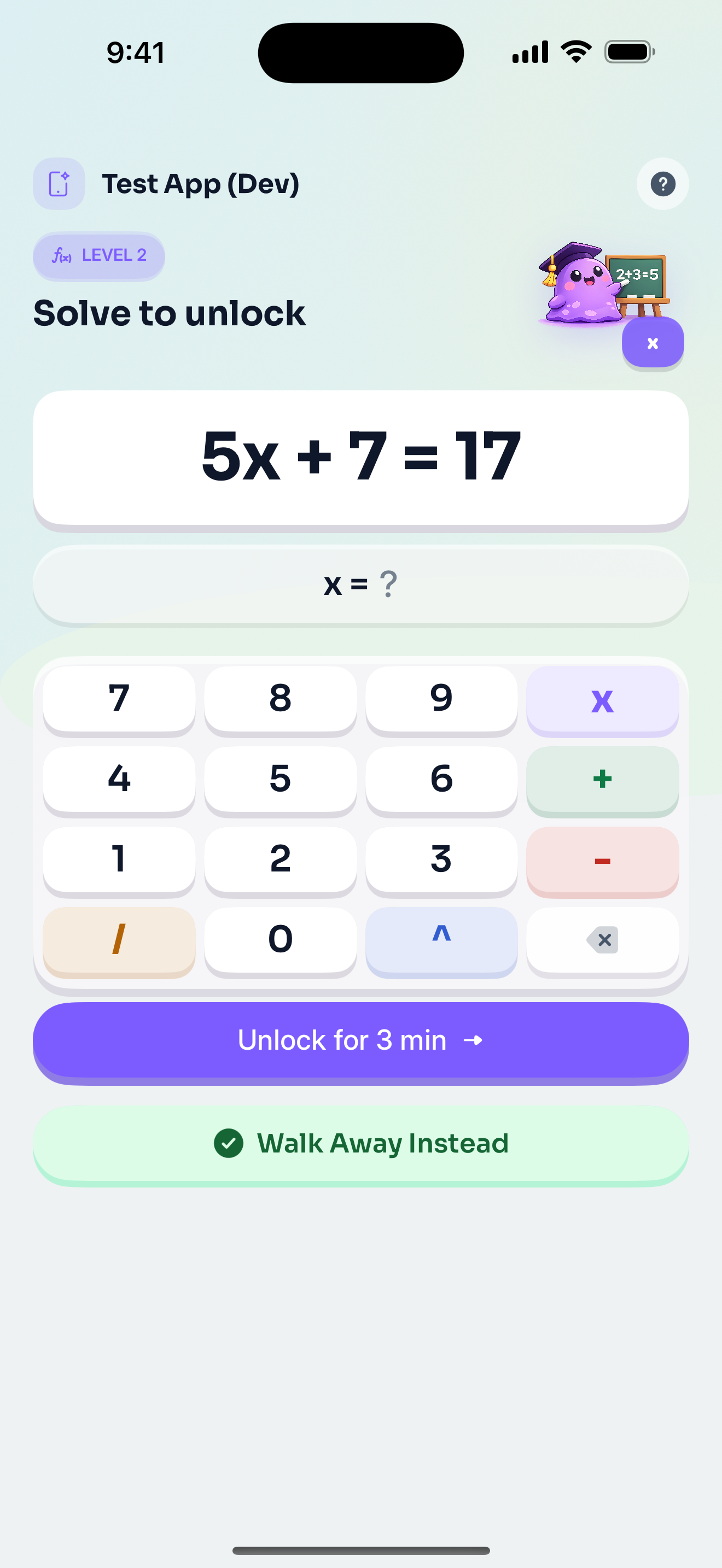

Hard math
Make autopilot solve something annoying before the app opens. That is the whole point.
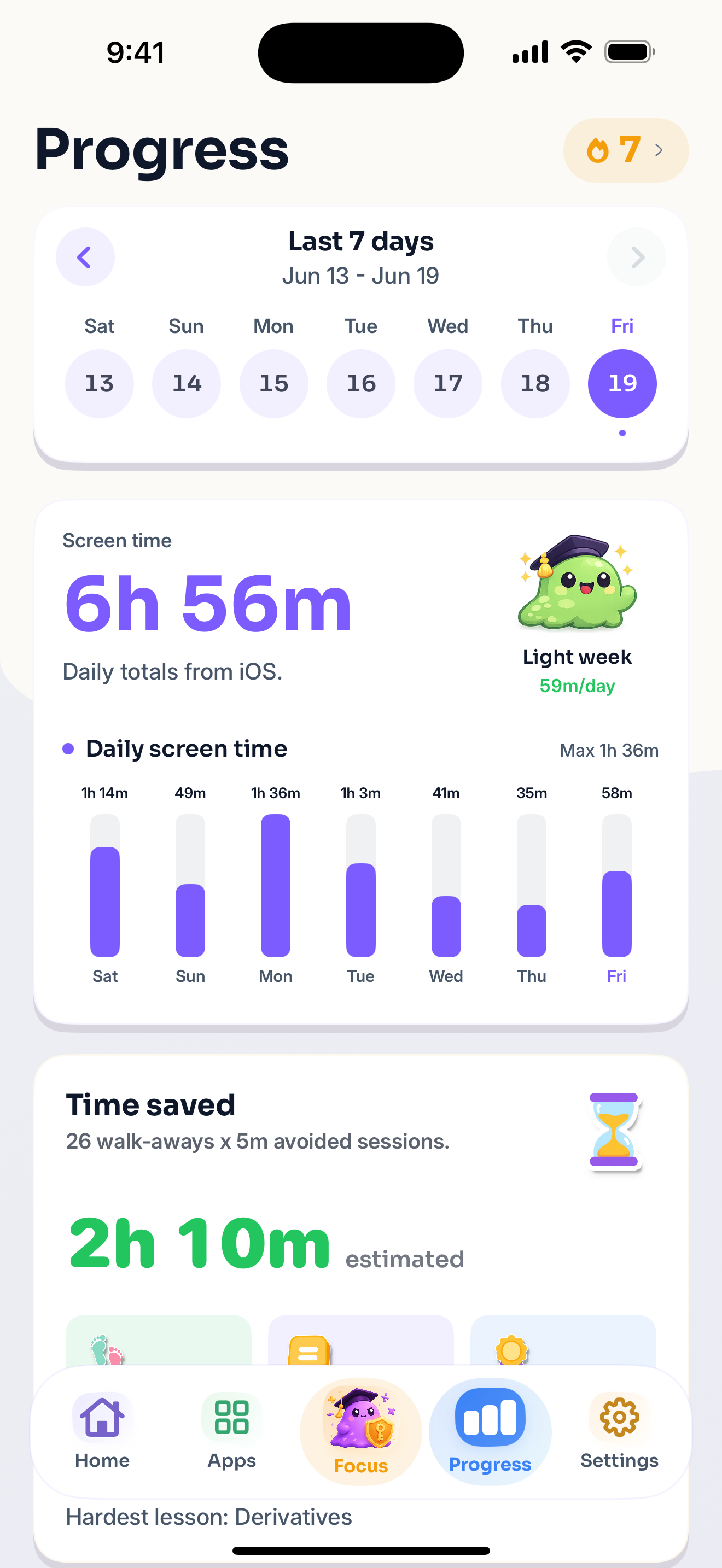
Progress
When the math makes the scroll feel not worth it, leave. Blob counts the open you avoided.
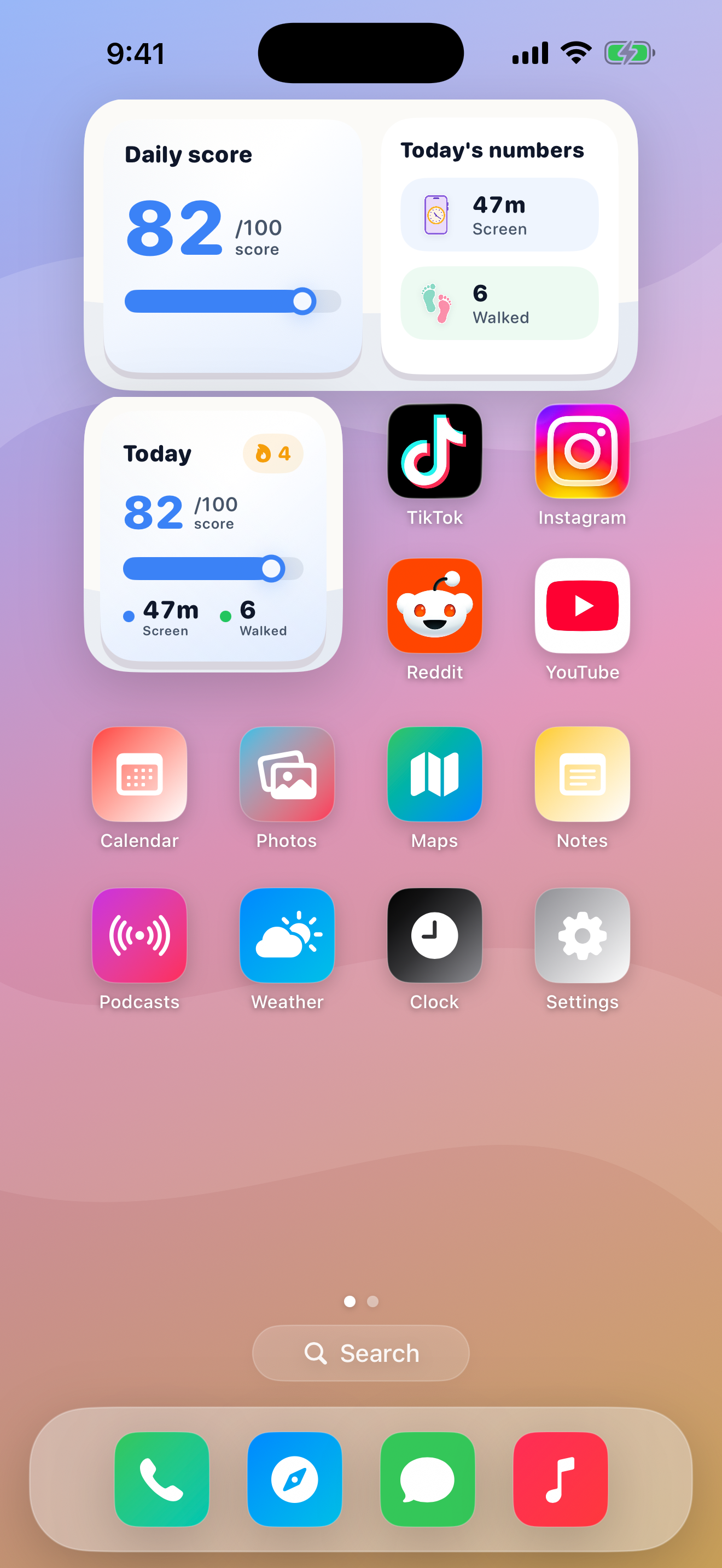
Widgets
Home Screen widgets keep your score close, so the anti-doomscrolling loop stays hard to ignore.
Guides
Practical notes on app blockers, Screen Time, and making endless feeds harder to open on autopilot.
Put friction before the feed so the scroll has to earn its way in.
iPhone setupUse friction, not punishment, when doomscrolling apps keep sneaking back in.
ComparisonWhere Apple's built-in tools shine, where they get easy to bypass, and why annoying gates can work better.
Privacy
Blob uses Apple's Screen Time APIs on iPhone and an Accessibility Service on Android to detect and block selected apps with your permission. It is not built to read messages, feeds, searches, camera recordings, microphone recordings, or precise location.
Contact / Support
Tell us what is working, what is weird, or what you want to see next.
Now on Google Play
Same Blob. Same math before the next scroll. Choose your distracting apps and make every open a little more intentional.
Free to download. Subscription required for features.
FAQ
Blob is a screen time and app blocker for iPhone and Android that interrupts automatic doomscrolling. Choose distracting apps, then solve hard math when you want to open one or walk away instead.
On iPhone, Blob uses Apple's Screen Time APIs. On Android, it uses an Accessibility Service, with your permission, to detect and block selected apps. When you try to open one, solve the prompt to continue intentionally or leave without opening it.
Blob is available now for iPhone on the App Store and for Android on Google Play.
Blob is free to download on iPhone and Android. Its features require a subscription; prices and available offers appear in the app.
Yes. Blob adds friction instead of permanently locking you out. Solve the prompt when you intentionally want the app, or walk away when opening it is not worth the effort.
Blob uses Apple's Screen Time APIs on iPhone and an Accessibility Service on Android to detect and block selected apps. It is not built to read messages, feeds, searches, camera recordings, microphone recordings, or precise location.
Download Blob and put stupidly hard math in front of the apps that steal your time.
